
01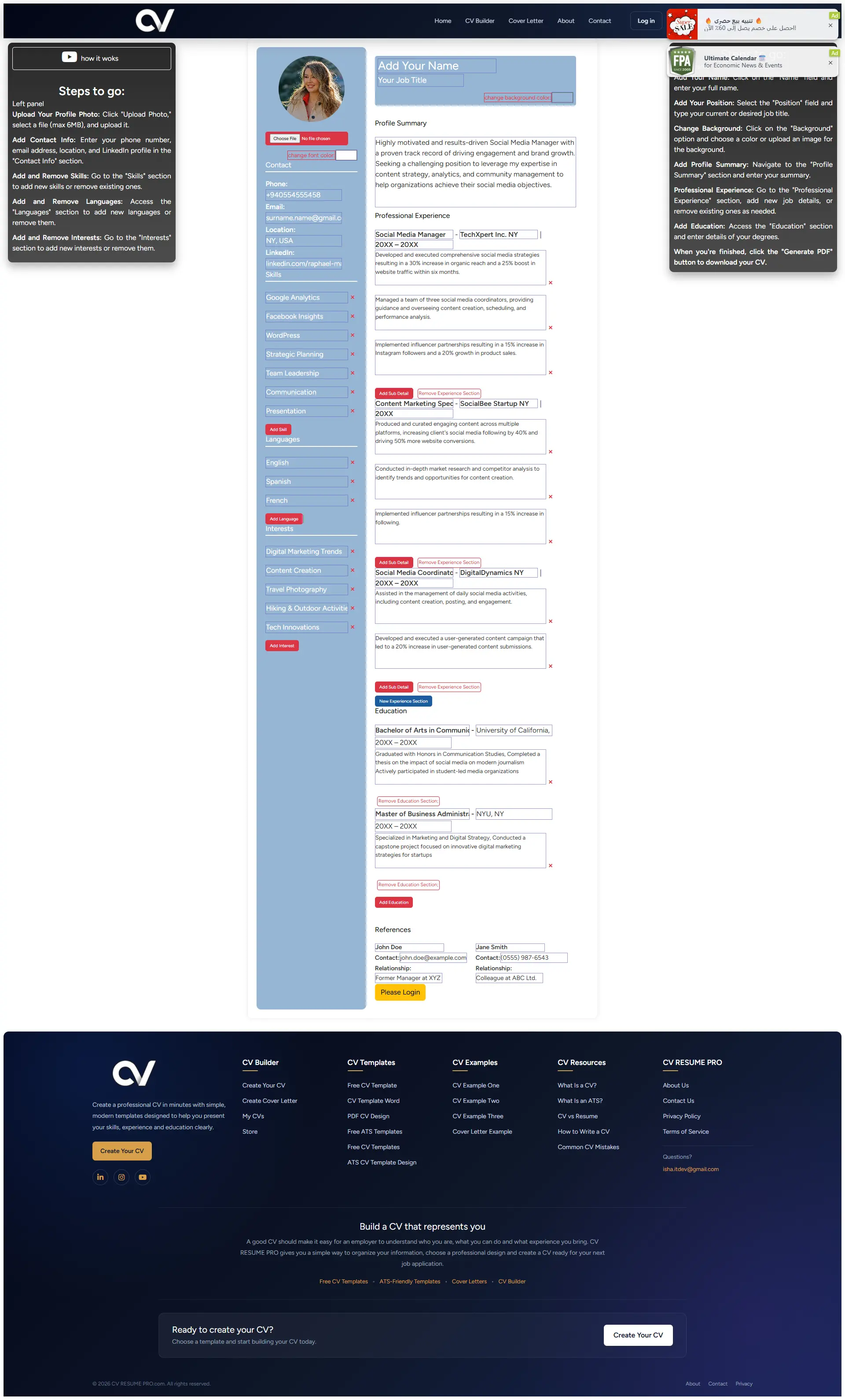
ATS FriendlyModern
Blue Minimalist Modern CV
A clean blue minimalist layout with a strong visual hierarchy. Ideal for business, IT and marketing roles.
Free Online CV Builder 2026
Choose from 10 free CV templates — modern, simple, professional and ATS-friendly. Edit online and download a professional PDF resume in minutes. 100% free, no signup required.
All templates are ATS-friendly, clean and easy to customise. Pick a design that suits your industry and experience level.
A clean blue minimalist layout with a strong visual hierarchy. Ideal for business, IT and marketing roles.
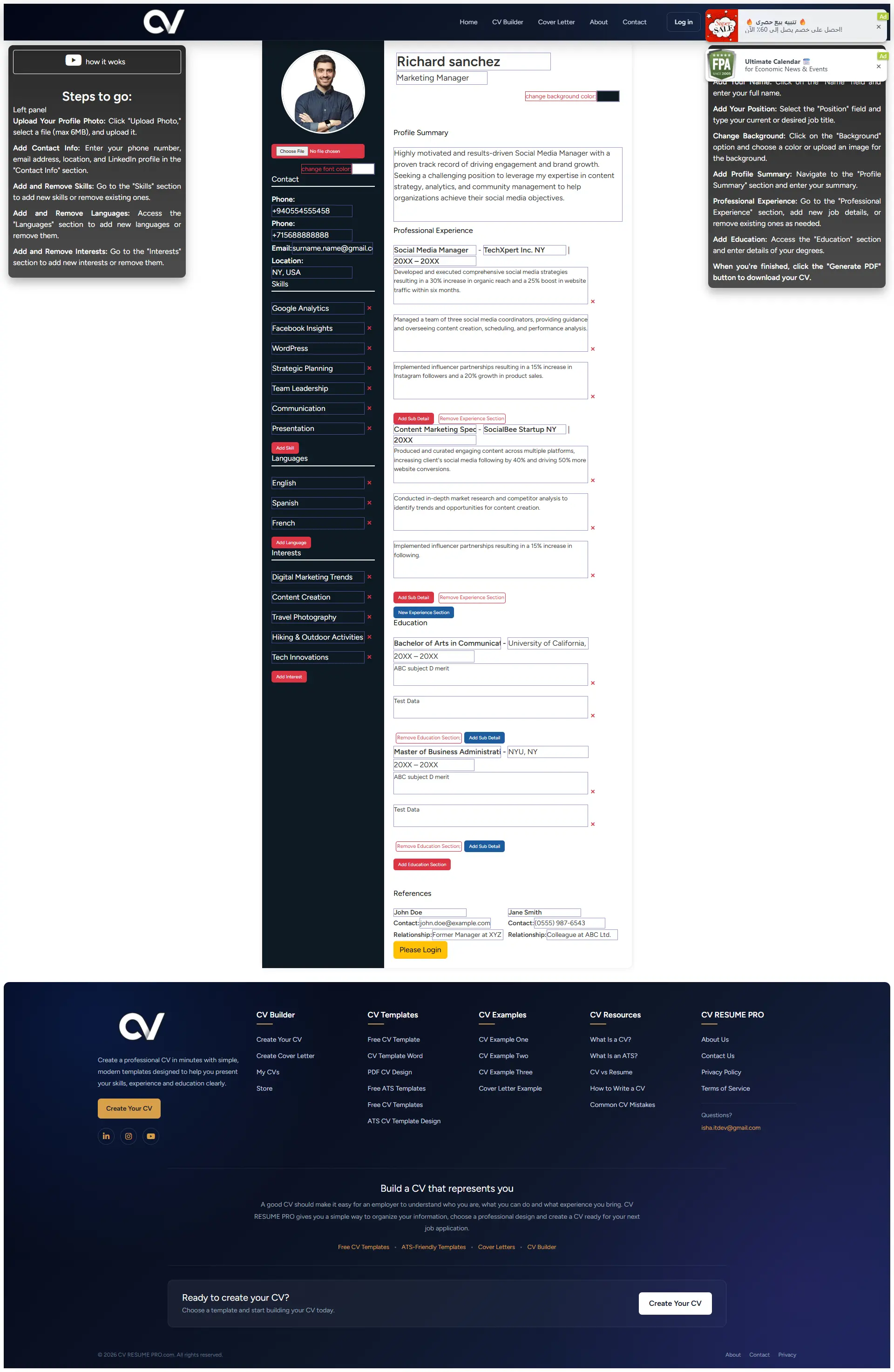
A straightforward professional layout that keeps attention on your experience, skills and achievements.
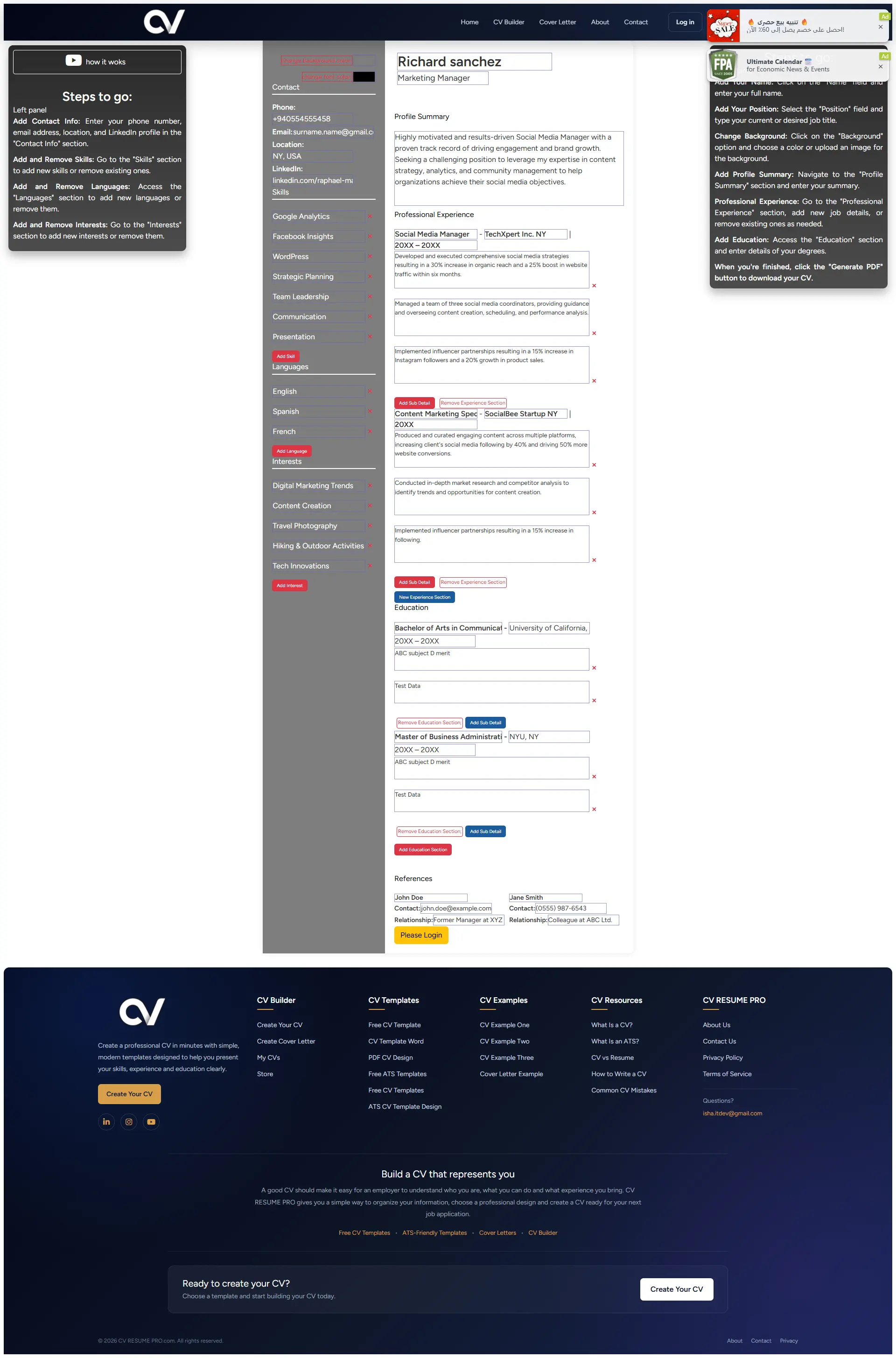
A minimal design that works for any career stage. Perfect for freshers, graduates and career changers.
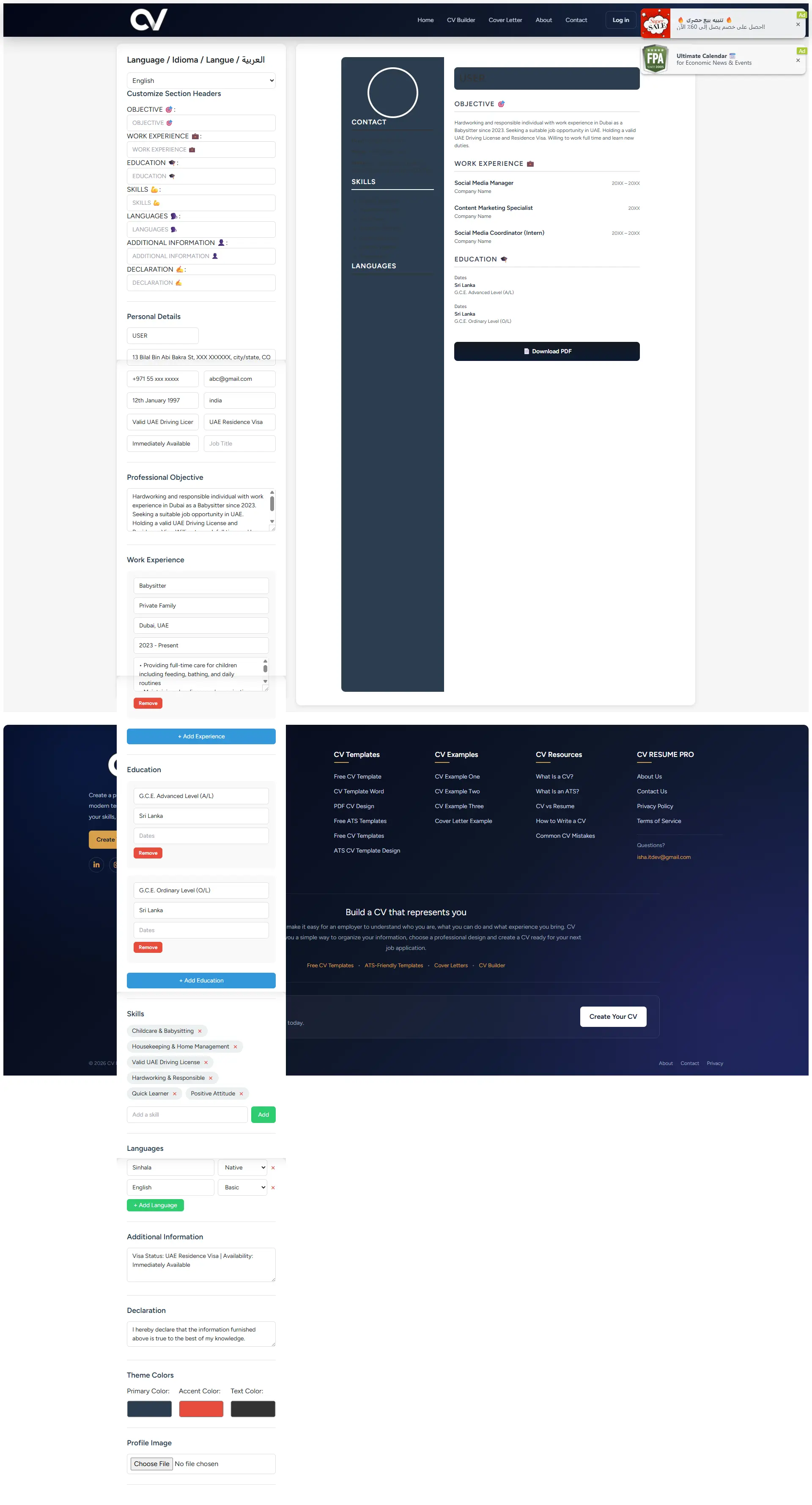
A no-cost CV template with all essential sections. Customise and download in minutes.
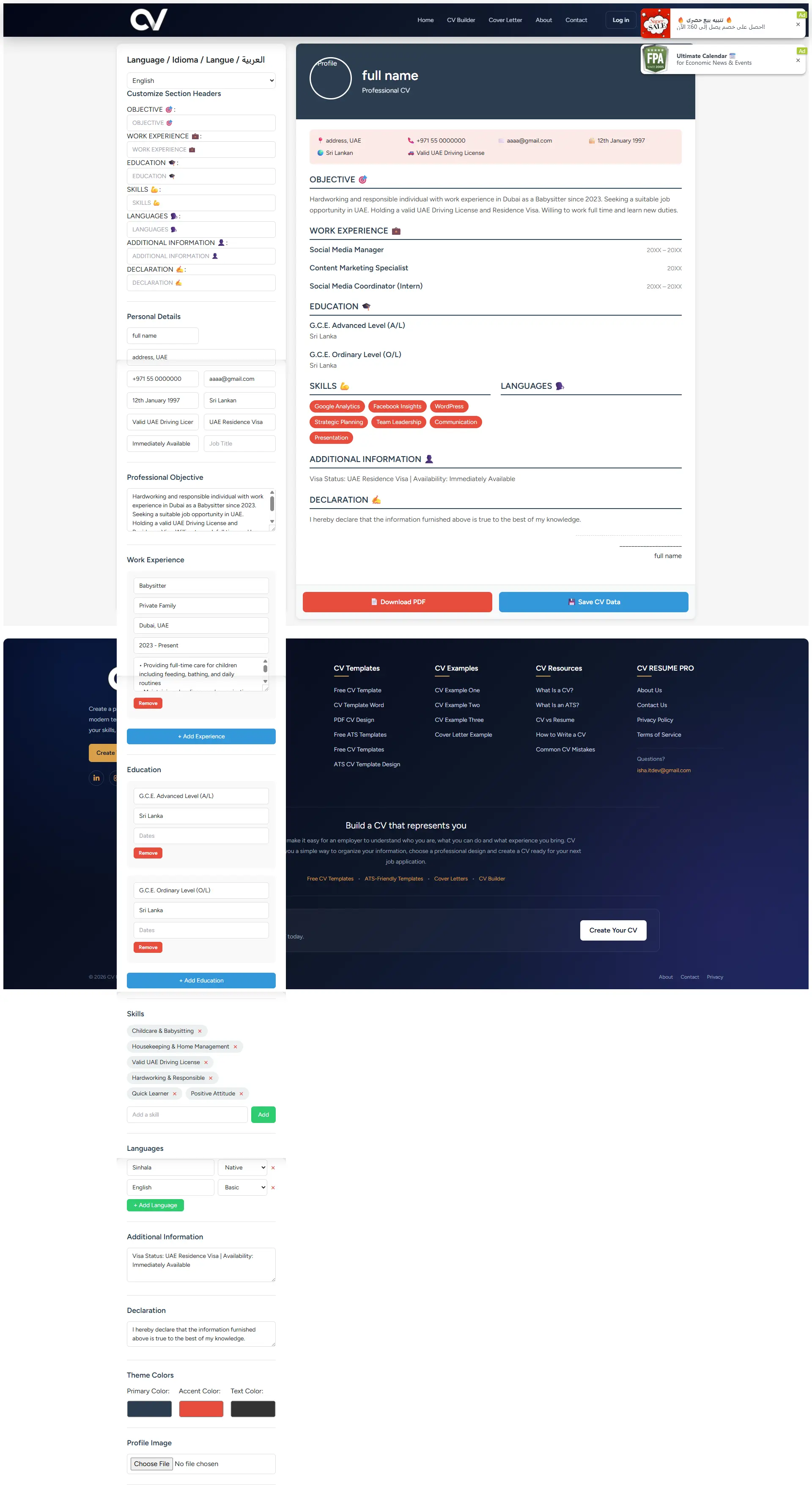
Editable Microsoft Word CV template for applicants who prefer editing in Word before submission.
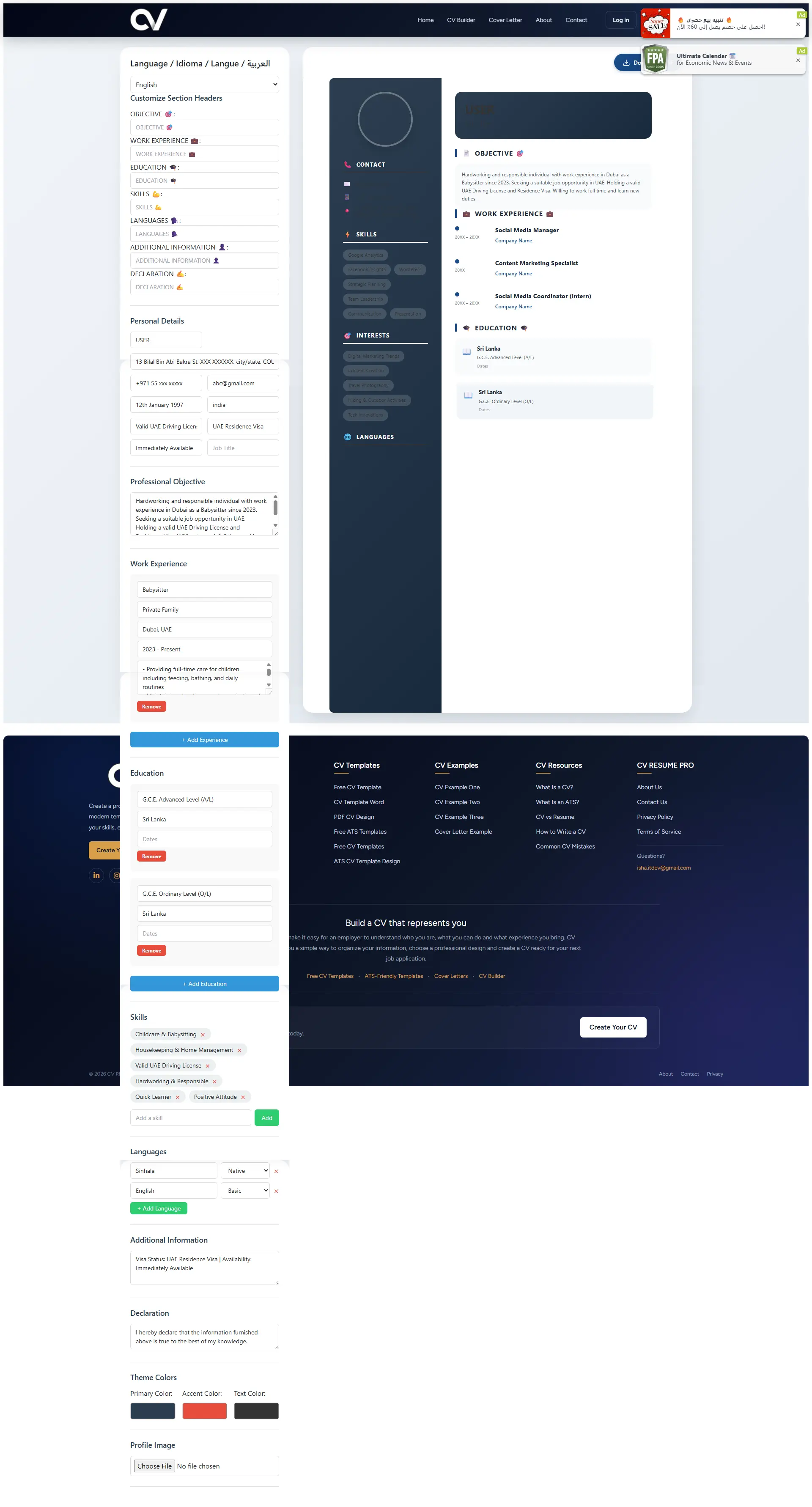
A polished PDF-ready design that preserves formatting on any device and email.
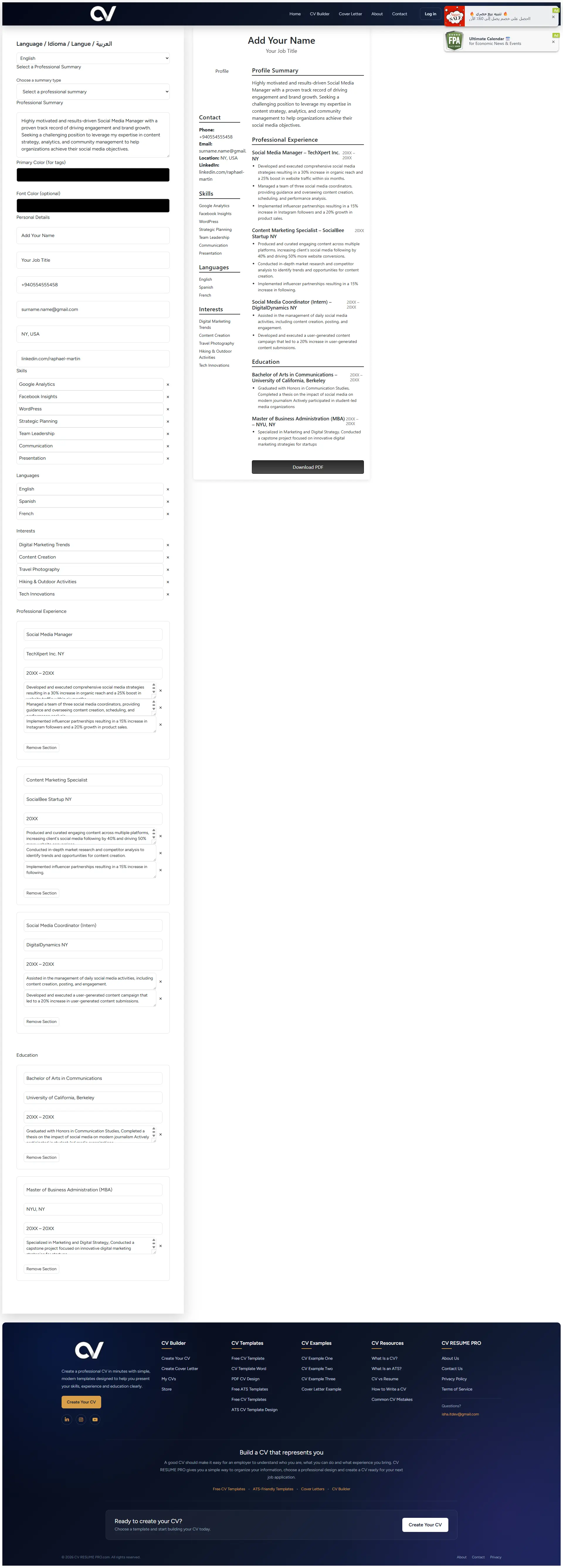
Optimised for applicant tracking systems with standard headings, simple structure and no graphics.
Use our online builder to fill in a free CV template and export a professional PDF.
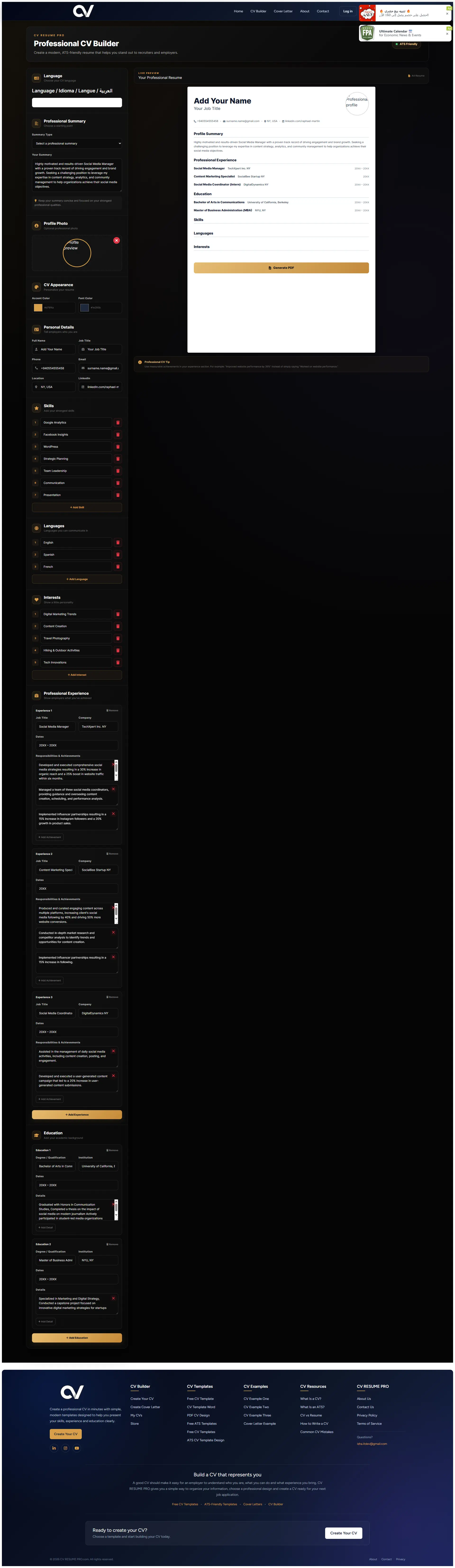
A strict ATS-friendly design with clean sections, ideal for LinkedIn, Bayt and Naukri applications.
A lightweight, recruiter-friendly ATS CV template. Free to use, edit and download.
The best CV template depends on your industry, experience level and where you are applying. Here's how to choose.
Use a simple CV template that highlights education, internships, projects and skills. A clean fresher resume template works better than a design-heavy layout.
Choose a professional CV format that gives space to work history, achievements and measurable results. A modern resume template keeps years of experience easy to read.
Use a developer CV template with room for technical skills, GitHub links, tech stack and project highlights.
Pick a premium or executive CV template that emphasises leadership, business impact and career progression.
A modern CV template with clean typography lets your portfolio, campaigns and creative skills stand out.
When applying through job portals like LinkedIn, Bayt or Naukri, use a strict ATS-friendly resume format with clear headings and no tables or graphics.
No design skills needed. Choose a CV template free download and focus on the information employers want to see.
Select a free ATS-friendly CV template that matches your industry and experience level.
Enter personal details, work experience, education, skills and achievements.
Check spelling, dates, formatting and overall clarity before finishing.
Generate your professional PDF CV and start applying for jobs immediately.
Everything you need to know about free CV templates.
Yes. All 10 CV templates on CV Resume Pro are free to use and download. You can create, edit and export your CV as a PDF without paying or signing up.
An ATS-friendly CV template uses a simple structure, standard headings and clean formatting so applicant tracking systems (ATS) can read your information correctly. This improves the chance your CV reaches a real recruiter.
For freshers and students, the Simple CV Template or Simple Professional CV works best. They highlight education, projects, internships and skills without overwhelming the reader with design elements.
Yes. Every template on CV Resume Pro supports PDF download, so you can attach it to job applications on LinkedIn, Bayt, Naukri or email.
Yes. Click 'View This Template' and edit everything online — personal details, work experience, education, skills and more — before downloading your finished CV.
A CV (Curriculum Vitae) is usually longer and includes detailed education, achievements and academic history. A resume is shorter, typically 1–2 pages, and focuses on the experience and skills most relevant to a specific job.
Yes. Our ATS-friendly CV templates follow the international format accepted by employers in Dubai, UAE, India, the UK and most other regions, as long as you adapt the content to the local job market.
Use PDF when applying online, since it preserves formatting on any device. Use the Word CV template only if the employer specifically asks for a .doc or .docx file.
For freshers, 1 page is ideal. For professionals with 5–10 years of experience, 2 pages are standard. Senior managers and executives may use 2–3 pages if the additional content is relevant.
Use standard section headings (Experience, Education, Skills), avoid tables and text boxes, use a common font like Arial or Calibri, and match keywords from the job description.
Choose a template, fill in your details and download an ATS-friendly CV ready for your next job application.
Choose a Template →